
COURSE CURRICULUM
LEGO WeDo 2.0 Robotic Course Overview
WHEN:
- Tusdays
-
9/15, 9/22, 9/29, 10/6, 10/13, 10/20, 10/27, 11/10, 11/17, 11/24, 12/1, 12/8
- 3:45 pm- 5 pm ( Grades K-2)
- 5 pm – 6 pm ( Grades 3-5th)
( Please specify grade when registering)
WHERE:
274 Garfield Pl, Brooklyn, NY 11215
Big Picture
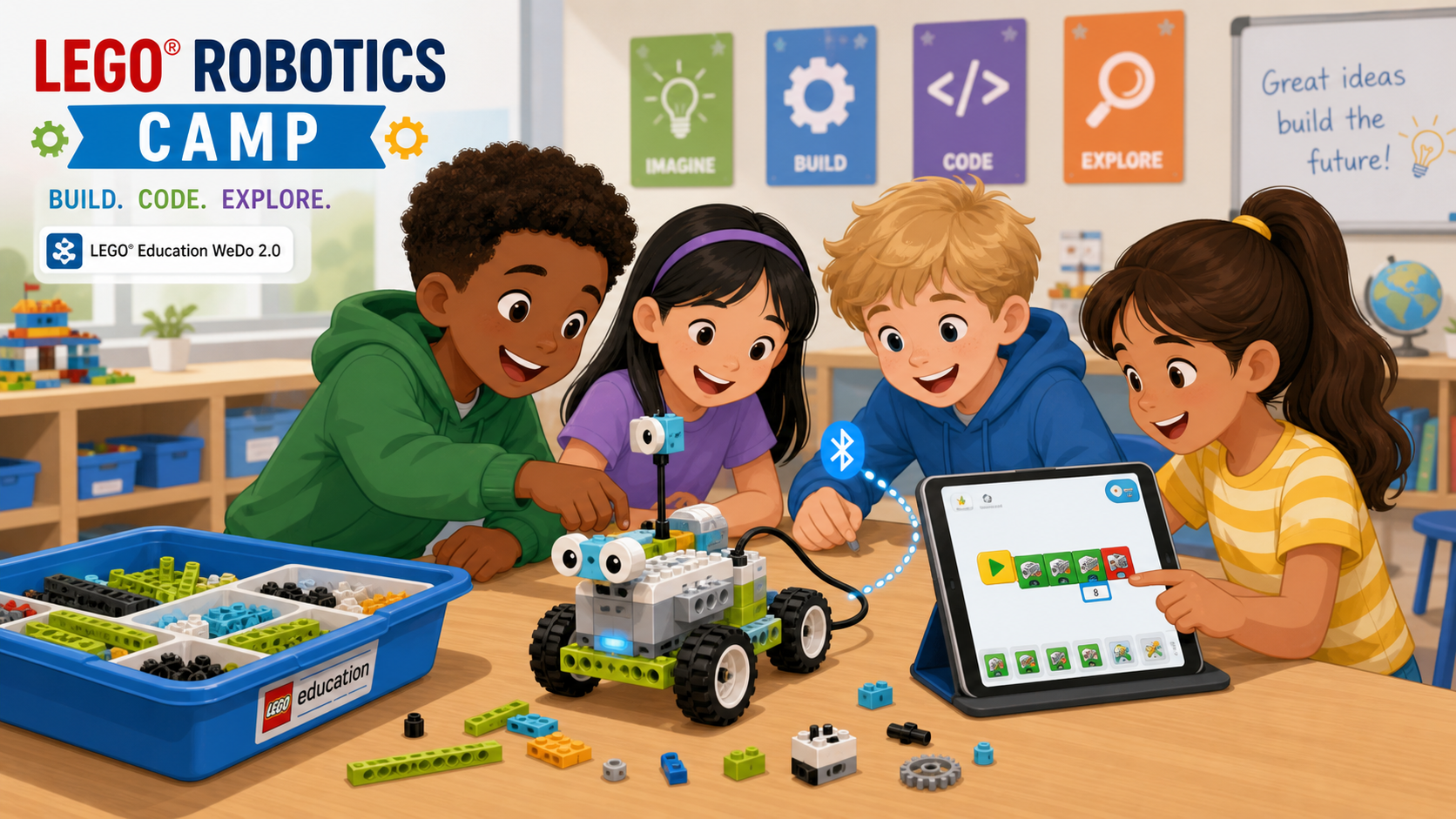
This hands-on camp invites young creators to step into the world of robotics, engineering, and early coding using the official LEGO Education WeDo 2.0 curriculum. Through playful builds and step-by-step projects, students see how engineering, logic, and creativity connect—whether they are building a science rover, programming a frog through its life stages, or designing a robot of their very own.
Focus: thinking like a young engineer—building, testing, fixing, and celebrating each small success.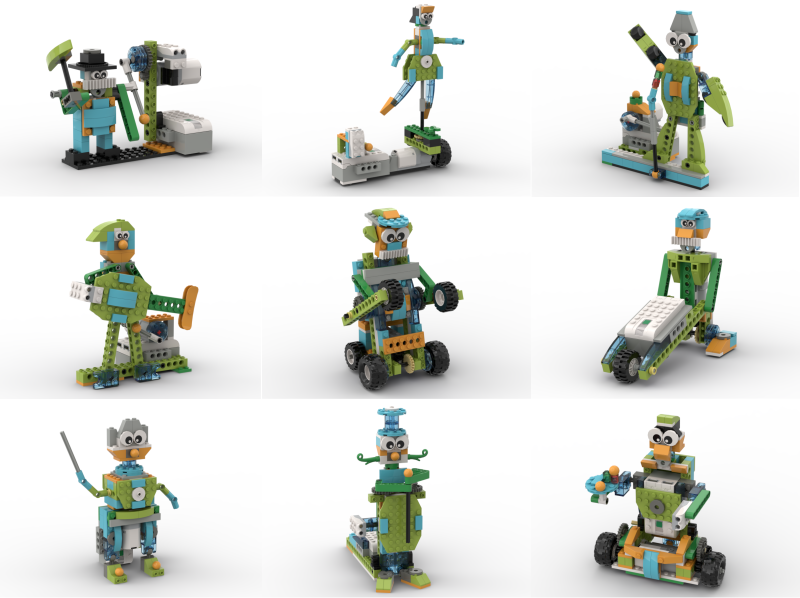
Core Pillars
-
Explore, Create, Share
The WeDo 2.0 design process drives every session. -
Pair Collaboration
One builder, one coder. Partners switch roles regularly so everyone practices both. -
Document the Journey
Students use the app’s built-in photo and video tools to capture every “aha!” moment.
Session Breakdown: K–2
Format: 12 sessions – 40 minutes each
Emphasis: Guided builds, play, and discovery
-
Meet Milo the Science Rover
-
Theme: First build, first program
-
Project: Milo the Science Rover
-
Overview: Students unbox their kits, pair the Smarthub with the iPad, and follow in-app instructions to build Milo. They run their very first program and watch their LEGO come alive.
-
Concept: Hardware, connection, & first code
-
-
Milo Senses and Tilts
-
Theme: Sensors as robot senses
-
Project: Milo’s Motion Sensor + Milo’s Tilt Sensor
-
Overview: Students add the motion sensor so Milo stops when he “sees” an object, then explore the tilt sensor for shake and tilt detection—robots gain “eyes and ears.”
-
Concept: Inputs & sensors
-
-
Working Together
-
Theme: Two robots, one mission
-
Project: Collaborating (Milo’s Mission)
-
Overview: Pairs team up with another pair to send Milo on a “sample collection” mission, passing a payload between two robots.
-
Concept: Sequencing & collaboration
-
-
Pulling Strong
-
Theme: Force and pulling power
-
Project: Pulling
-
Overview: Students build the pulling robot from the app and test how many objects it can drag, exploring force in a way they can see and feel.
-
Concept: Force & mechanisms
-
-
Speed Explorer
-
Theme: What makes things go faster?
-
Project: Speed
-
Overview: Pairs build the speed car and test it on a marked track, changing wheel sizes and motor power to discover what makes a robot zoom.
-
Concept: Variables & experimentation
-
-
Wild Animals: The Frog
-
Theme: Animals and life cycles
-
Project: Metamorphosis (Frog)
-
Overview: Students build a frog that “grows” from tadpole to adult. Coding controls the frog’s motion at each stage.
-
Concept: Modeling & sequencing
-
-
Plants and Pollinators
-
Theme: Nature in motion
-
Project: Plants and Pollinators
-
Overview: Pairs build a bee model that visits flowers—fun, expressive, and easy to personalize. Students add their own sounds and sensor reactions.
-
Concept: Sensors & sounds
-
-
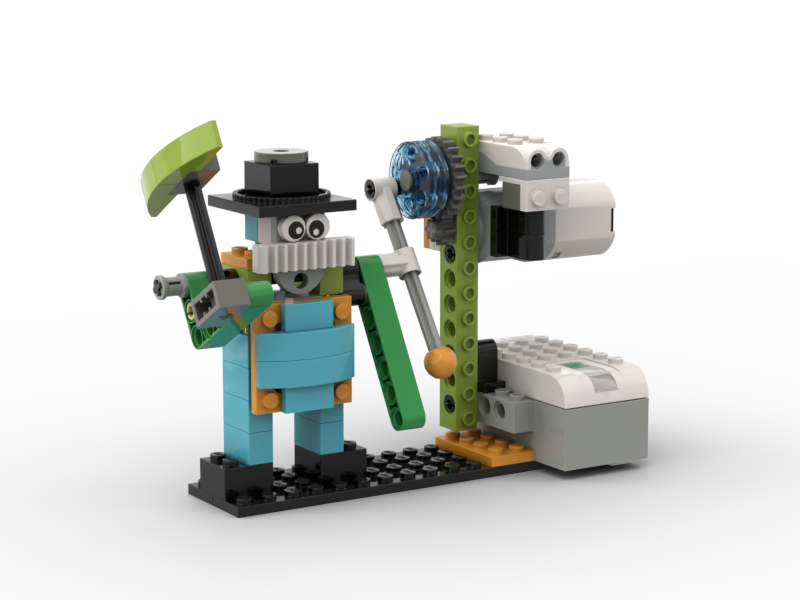
Storytelling Robots
-
Theme: Make your robot perform
-
Project: Storytelling (simplified)
-
Overview: Students pick a story, hero, monster, or silly scene and build a moving character using the LEGO Design Library. They document the show with the in-app camera.
-
Concept: Creative expression
-
-
Invention Day
-
Theme: Your own robot
-
Project: Free Build (instructor-coached)
-
Overview: Pairs design any robot they want—a pet, a vehicle, a creature—using parts from the Design Library and instructor guidance.
-
Concept: Integration & iteration
-
-
Showcase Day
-
Theme: Share what you built
-
Tool: In-app documentation tool
-
Overview: Pairs present their robot to parents using the photos and videos saved in the app, explaining what they built and how it works.
-
Concept: Reflection & communication
-
Session Breakdown: Grades 3–5
Format: 12 sessions – 40 minutes each
Emphasis: Full guided projects, deeper coding, and investigations
-
Milo and Getting Started Bootcamp
-
Theme: Hardware and first programs
-
Project: Milo + Motion Sensor (combined)
-
Overview: A faster pace through the Milo build and motion sensor. Pairs explore parameters like motor power and direction to see how small block changes alter behavior.
-
Concept: Hardware, inputs & outputs
-
-
Tilt and Mission
-
Theme: Sensors and teamwork
-
Project: Tilt Sensor + Collaborating
-
Overview: Students add the tilt sensor with its six positions, including shake mode, then complete the Collaborating mission with another pair.
-
Concept: Sensor logic & collaboration
-
-
Pulling Engineering
-
Theme: Force, gears, and investigation
-
Project: Pulling
-
Overview: Students run the full pulling investigation, changing weights, surfaces, and gear ratios to test pulling force. They record findings using the documentation tool.
-
Concept: Force, gears & variables
-
-
Speed Investigation
-
Theme: Variables and data
-
Project: Speed
-
Overview: Pairs experiment with wheel size, slope angle, and motor power. They record times in the documentation tool and compare results.
-
Concept: Variables & data collection
-
-
Robust Structures
-
Theme: Engineering for safety
-
Project: Robust Structures (Earthquake Simulator)
-
Overview: Students build the earthquake simulator and design buildings that will not fall. They test, redesign, and document each iteration.
-
Concept: Engineering & iteration
-
-
Frog Metamorphosis
-
Theme: Modeling life cycles
-
Project: Metamorphosis (Frog)
-
Overview: Students build the frog model and code distinct behaviors for tadpole, froglet, and adult frog stages, documenting each stage with the app’s camera.
-
Concept: Modeling & state logic
-
-
Drop and Rescue
-
Theme: Real-world problem solving
-
Project: Drop and Rescue (Open Project)
-
Overview: Pairs design a robot that can rescue a figure from a “danger zone,” creating their own sensor-driven solution.
-
Concept: Design thinking
-
-
Express Yourself
-
Theme: Code-driven storytelling
-
Project: Storytelling (Open Project)
-
Overview: Pairs design a moving scene with at least two sensor reactions and a multi-step program, then record a short video of their robot performing.
-
Concept: Conditional logic & creativity
-
-
Design Day
-
Theme: Engineer your own solution
-
Project: Free Design (open-ended)
-
Overview: Pairs receive a real-world prompt such as deliver, sort, rescue, or score. They have one full session to design, build, code, and test their own solution.
-
Concept: Integration & iteration
-
-
Showcase Day
-
Theme: Demo your build
-
Tool: In-app documentation tool
-
Overview: Pairs demo their Session 9 invention to parents using saved photos and videos and walk through their code.
-
Concept: Reflection & communication
-
Materials Checklist
-
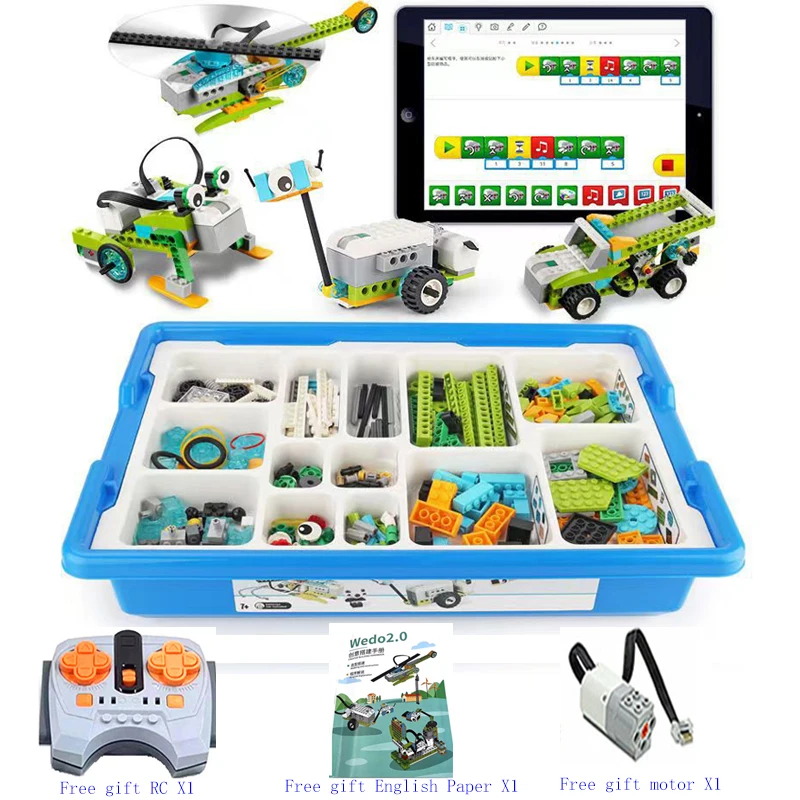
LEGO Education WeDo 2.0 Core Sets (1 per pair)
-
iPads with the WeDo 2.0 app installed and Bluetooth enabled (1 per pair)
Parent Takeaway
By the end of this camp, your child will have completed the official LEGO Education WeDo 2.0 curriculum—building and programming real robots,
running engineering investigations, and creating an invention of their own. They develop STEM thinking, teamwork, and resilience, gaining the confidence to make their ideas work in the real world.
